11" 2.5K (2560x1600) IPS 500nits Anti-fingerprint, 72% NTSC, 90Hz, Touch MediaTek Dimensity 6300 (8C, 2x A76 @2.4 GHz + 6x A55@2.0 GHz) Integrated Arm Mali-G57 MC2 GPU 8GB Soldered LPDDR4x RAM 128GB UFS 2.2 Storage Nano-SIM & microSD Card Slot Wi-Fi® 5, 802.11ac 1x1 + BT5.2 Front 5.0MP / Rear 8.0MP Camera 4 speakers, optimized with Dolby Atmos® 5G Voice Call 1 x USB-C® (Hi-Speed USB / USB 2.0), with charging 1x Headphone / microphone combo jack (3.5mm) 1x Card slot Android 15 Accelerometer sensor Ambient light sensor (ALS) Hall sensor Mono Microphone GPS + GLONASS + Galileo + A-GPS 1 Year Warranty
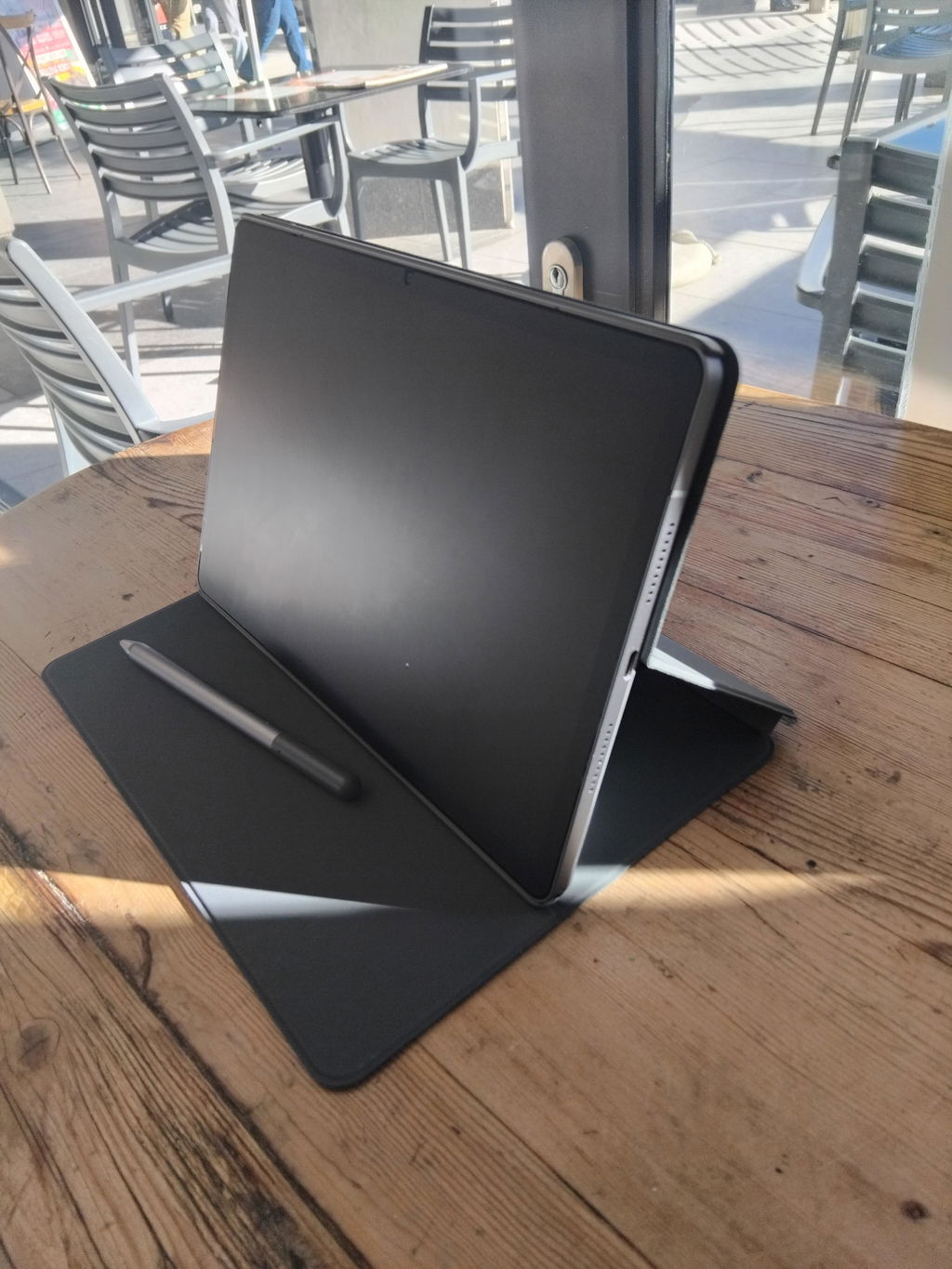
Includes: Lenovo Folio Case + Lenovo® Tab Pen
Dazzling audiovisual experience with vibrant display and quad speakers MediaTek processing delivers enhanced speed and efficiency Streamlined searching with Circle to Search with Google
Get ready for a stunning experience with the 11" 2.5K Idea Tab tablet, thanks to quad Dolby Atmos®-tuned speakers, vivid resolution, and a 90Hz refresh rate for effortless viewing. Whether you're catching up on lectures or streaming your favorite shows, every scene looks sharper, every sound is clearer, and every moment is more immersive.
Stay on your zone with smooth performance and all-day power. The MediaTek octa-core processor delivers 70% more power, while the 7040mAh battery lasts all day — so you can stream, scroll, and study without stopping.
Stay connected and ready to study anytime, anywhere with 5G. Whether you're taking notes in class, researching on the go, or joining a last-minute study session, fast, reliable connectivity keeps you in the flow without WiFi holding you back.
Discover a streamlined method for tablet searching with Circle to Search with Google. Simply long press the home button and draw a circle on what you want to search using your finger or with the Lenovo Tab Pen.
Say goodbye to screenshots and switching apps. Now, when you see words in another language on your tablet, you can use Circle to Search to get help instantly. Whether it’s an image, video, or text, just long press the home button or navigation bar and tap the translate button to see instant translations, then get right back to what you’re doing.