


ASUS ZenScreen MB169CK Portable Monitor 15.6-inch FHD IPS Dual USB-C Portable Monitor
The ASUS ZenScreen MB169CK is a 15.6" Full HD IPS portable monitor that adds a second screen to your laptop using one USB-C cable for both picture and power. It weighs 780 g, is 1.2 cm thin and comes with a 360° kickstand, protective sleeve, USB-C cable, mini-HDMI to HDMI cable and power adapter.
Key features
- 15.6" Full HD IPS: 1920 x 1080, anti-glare, 178° viewing angles, 60Hz, 5ms (GtG).
- One-cable USB-C: video and power over a single cable from laptops with USB-C DisplayPort Alt Mode (Thunderbolt, USB4 or DP-marked ports).
- Connects to almost anything: 2 x USB-C and 1 x mini-HDMI for laptops, PCs, MacBooks and consoles.
- Ultra-portable: 780 g and 1.2 cm thin, with a ZenScreen sleeve included.
- Flexible setup: detachable 360° kickstand and 1/4" tripod socket for landscape or portrait use.
- Auto-rotate: switches between portrait and landscape automatically with ASUS DisplayWidget Center.
- ASUS Eye Care: TÜV Rheinland-certified Flicker-free and Low Blue Light.
Please note: single-cable use needs a USB-C port that supports video (DisplayPort Alt Mode). Otherwise, connect via mini-HDMI and power the monitor with the included adapter.


A second Full HD screen that goes wherever you work
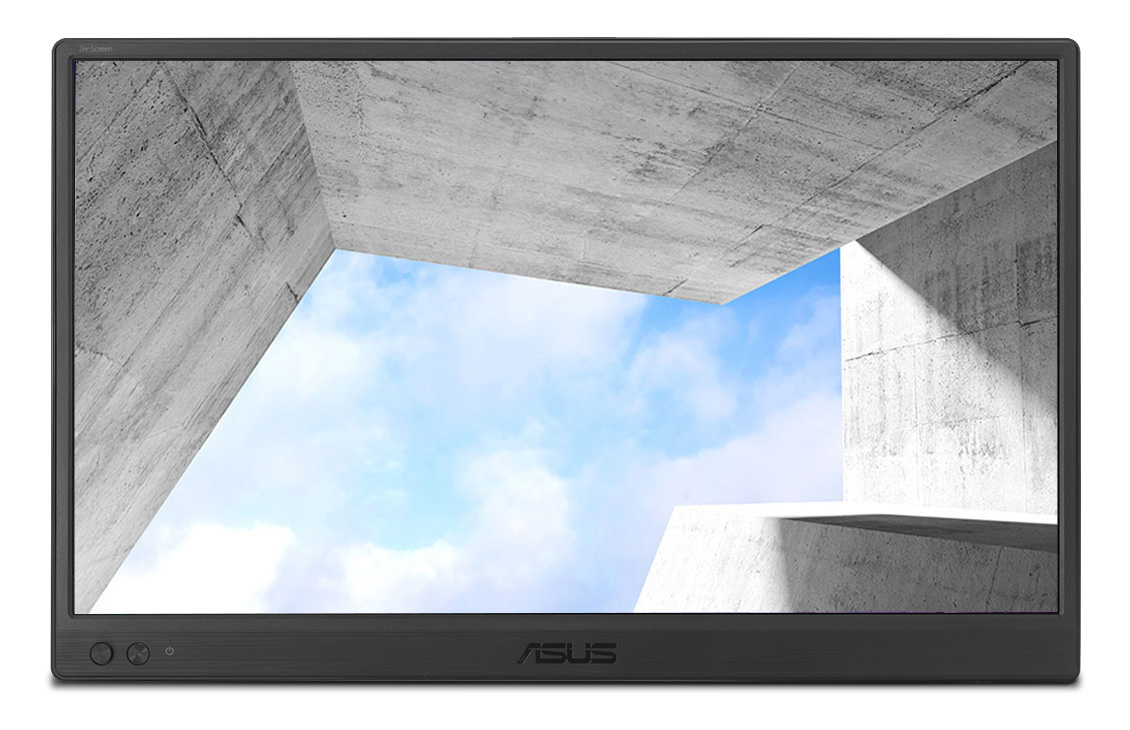
Turn any table into a dual-screen workstation. The 15.6" ZenScreen MB169CK weighs just 780 g, is only 11.8 mm thin and runs off a single USB-C cable from your laptop: no extra power brick needed on supported devices.
- 15.6" FHD1920 x 1080 IPS
- 780 g11.8 mm thin
- 2 x USB-Cplus mini-HDMI
- 360°kickstand & tripod socket
- TÜVFlicker-free & Low Blue Light
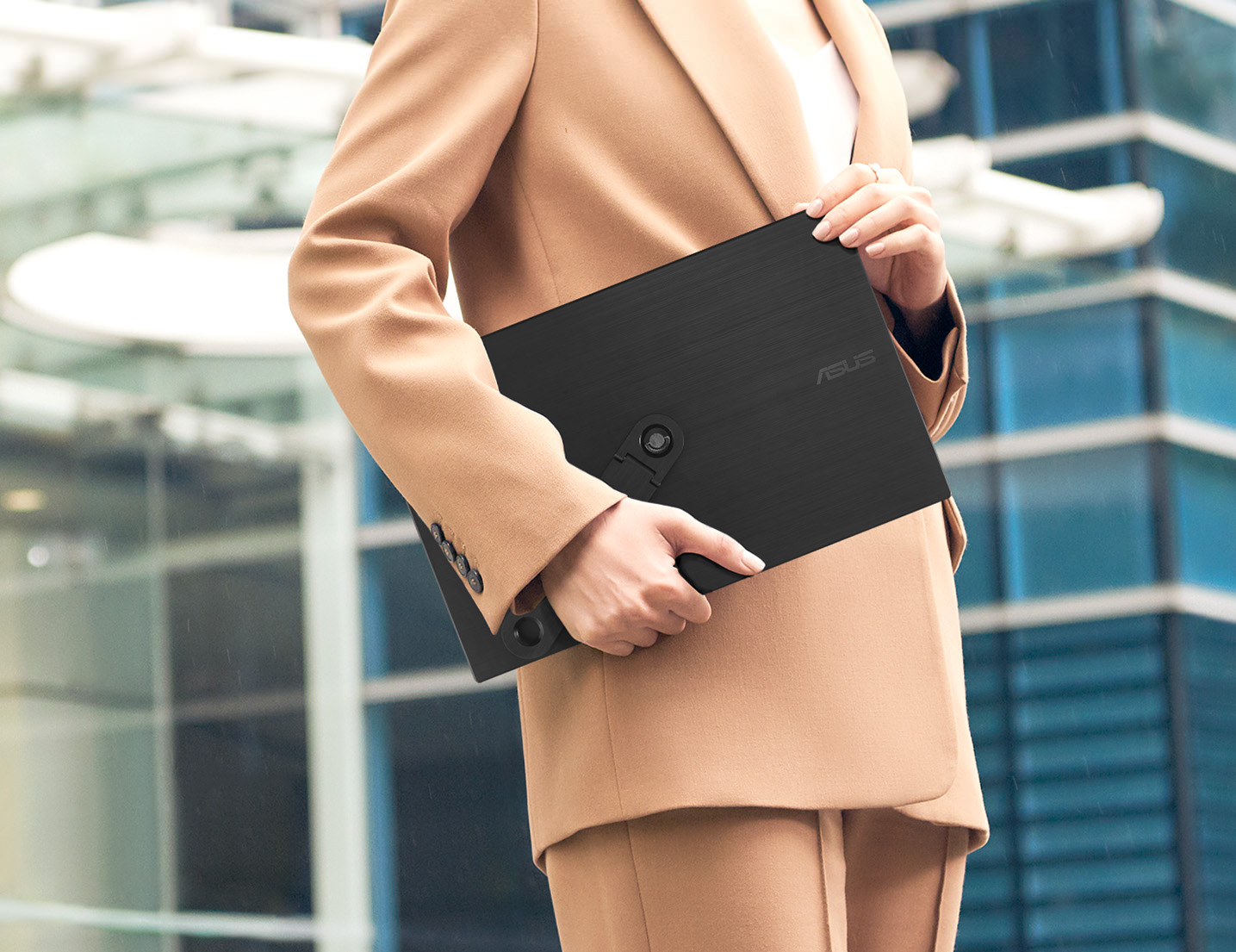
Slips into any laptop bag
At 780 g and 11.8 mm, the MB169CK is lighter than most laptops and thin enough to slide in next to one. The included ZenScreen sleeve protects the anti-glare screen on the move, so it is ready for the office, the coffee shop, a client presentation or a hotel desk.
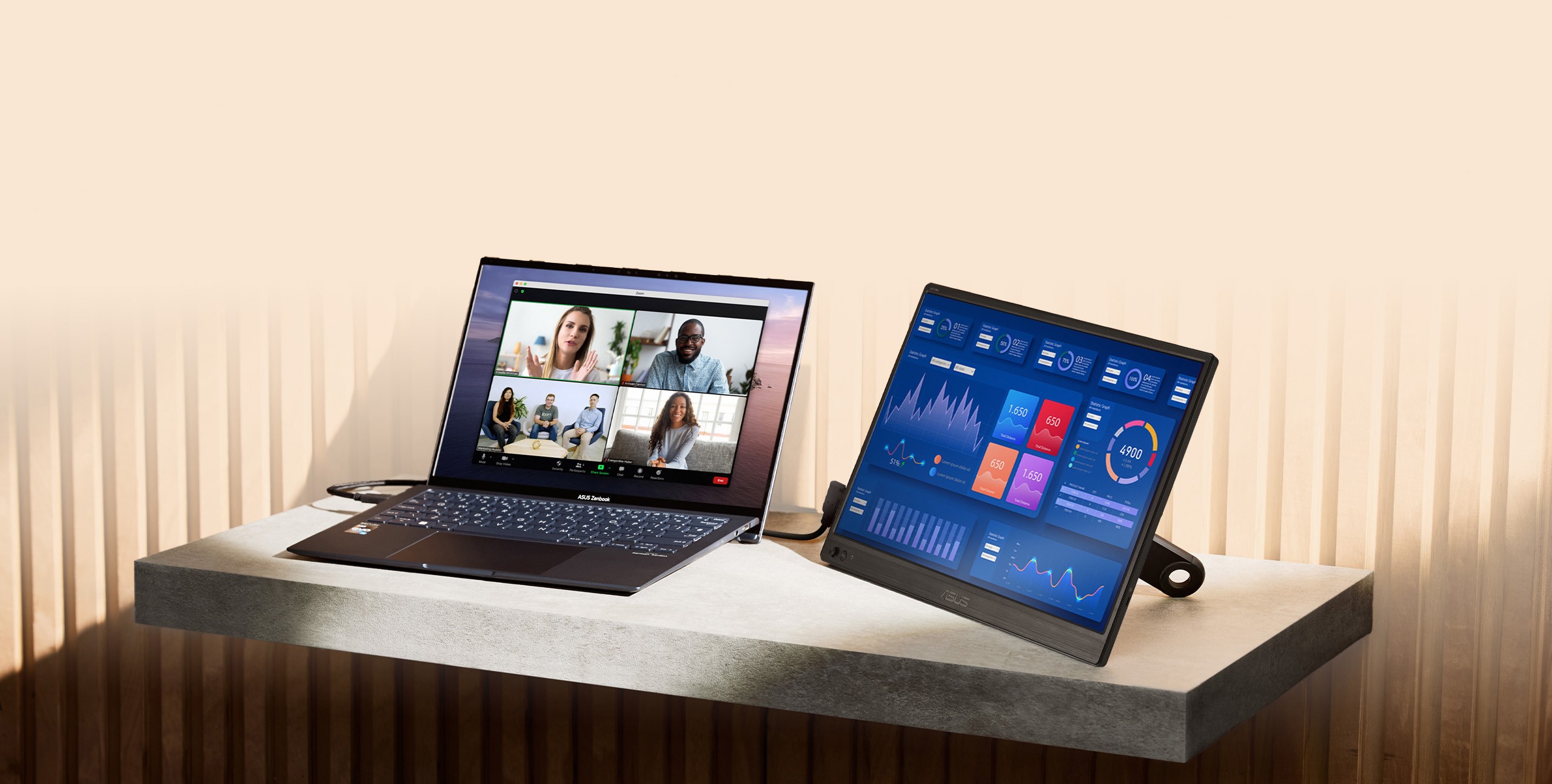
One cable for picture and power
Connect the MB169CK to a laptop with the included USB-C cable and it carries both the video signal and the power. Mirror your screen or extend your desktop: no drivers are needed on Windows, macOS or Linux.
Two USB-C ports and a mini-HDMI port give you options for almost any device, including laptops without USB-C video.
Three ways to connect
USB-C laptops
Laptops with Thunderbolt 3/4/5, USB4 or a DP-capable USB-C port: one USB-C cable does it all. This includes MacBook Air (2018 and later), MacBook Pro (2016 and later) and all Apple silicon MacBooks.
HDMI laptops & PCs
Use the mini-HDMI to HDMI cable for the picture and plug the power adapter into the USB-C port for power. Ideal for older laptops and desktop PCs.
Consoles
Connect a PlayStation, Xbox or Nintendo Switch (with its dock) via HDMI, with the power adapter on USB-C, for gaming on the go.
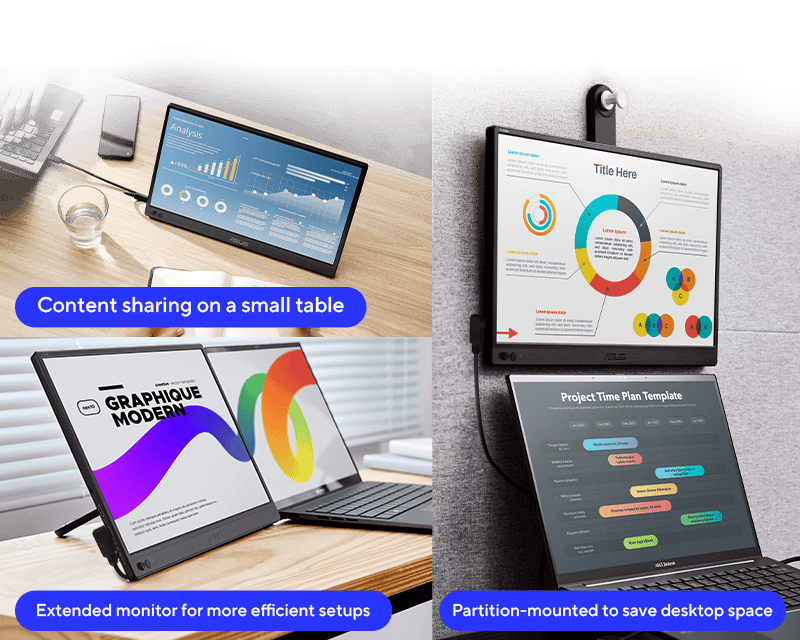
360° kickstand and tripod socket
The detachable 360° kickstand screws into the standard 1/4" tripod socket on the back, letting you tilt the screen in landscape or portrait. The same socket fits a tripod or desk mount, such as the ASUS ZenScreen Stand MTS02D, for a fixed setup at home.
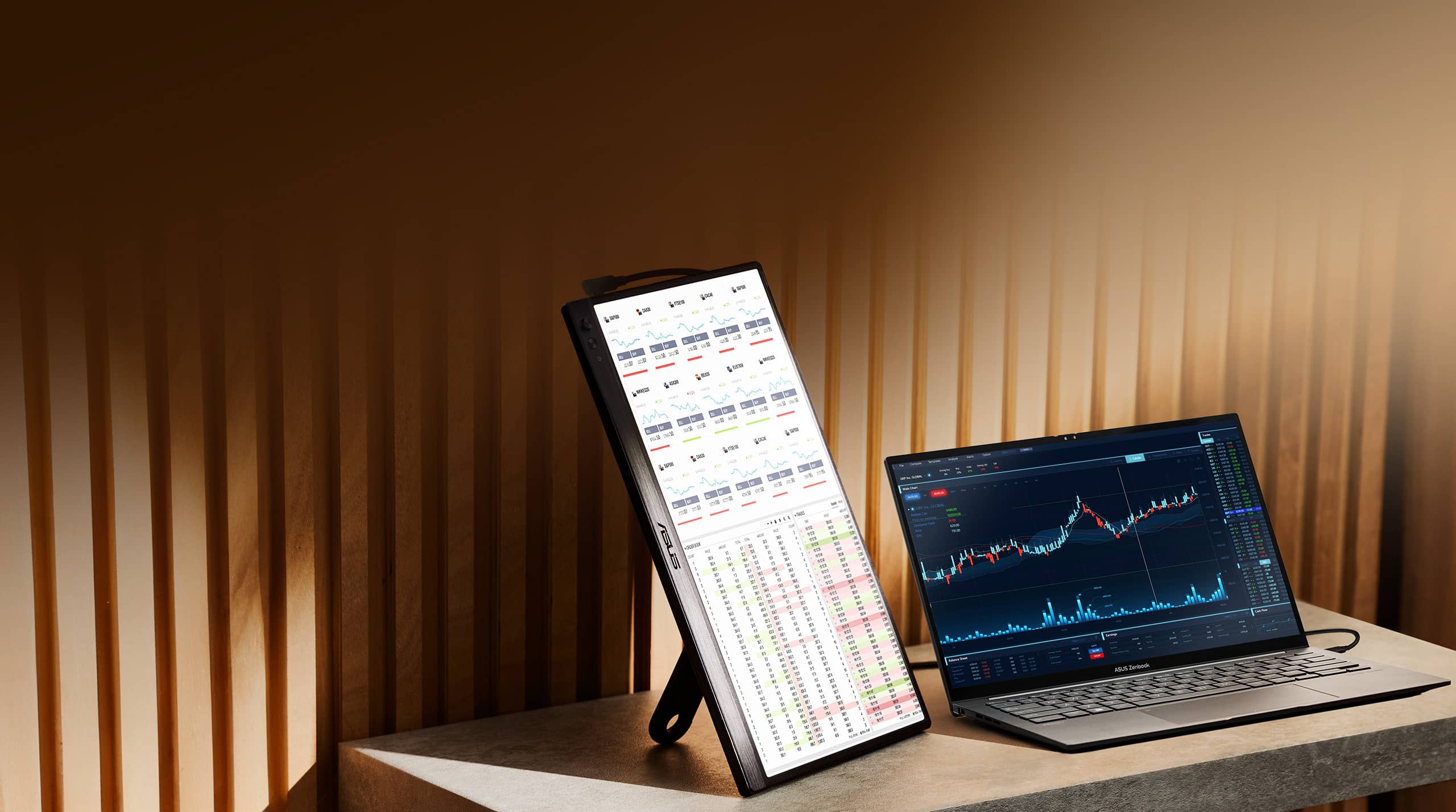
Portrait or landscape, automatically
With the free ASUS DisplayWidget Center software installed, the MB169CK senses when you turn it and switches the picture between landscape and portrait. Use landscape for spreadsheets and presentations, and portrait for long documents, code, web pages and chats.
Sharp, clear and easy to share
The 1920 x 1080 IPS panel keeps colour and contrast consistent at 178° viewing angles, so a colleague or client next to you sees the same picture you do. The anti-glare surface cuts reflections from windows and overhead lights.
Comfortable for long workdays
TÜV Rheinland-certified Flicker-free technology and a Low Blue Light filter with four levels (set from the on-screen menu) help reduce eye strain during long sessions.
Frequently asked questions
Does the ASUS ZenScreen MB169CK need a power plug?
Not with most modern laptops. If your laptop has a USB-C port that supports DisplayPort Alt Mode (Thunderbolt 3/4/5, USB4 or a port marked with the DP symbol), one USB-C cable powers the screen and carries the picture. When you connect via mini-HDMI, power it through the second USB-C port with the included power adapter.
Will the MB169CK work with my MacBook?
Yes. It works with MacBook Air (2018 and later), MacBook Pro (2016 and later) and all Apple silicon MacBooks using the included USB-C cable, with no drivers needed.
Can I connect a PlayStation, Xbox or Nintendo Switch?
Yes. Connect the console with the included mini-HDMI to HDMI cable and power the screen with the included power adapter on USB-C. The Nintendo Switch needs its dock for HDMI output.
Can the MB169CK be used in portrait mode?
Yes. Stand it upright on the 360° kickstand. With the free ASUS DisplayWidget Center software it rotates the picture automatically, or you can set portrait orientation in your Windows or macOS display settings.
Does the MB169CK have speakers or a touchscreen?
No. It has no built-in speakers and is not a touchscreen. Sound plays through your laptop or connected device.
How heavy is the MB169CK?
It weighs 0.78 kg and is 1.2 cm thick (36.0 x 22.6 cm), so it fits in most laptop bags. A protective ZenScreen sleeve is included.
Specifications
| Model | ASUS ZenScreen MB169CK |
|---|---|
| Panel size | 15.6" (39.6 cm), 16:9 |
| Panel type | IPS, anti-glare, LED backlight |
| Resolution | 1920 x 1080 (Full HD) |
| Refresh rate | 60Hz |
| Response time | 5ms (GtG) |
| Brightness | 250 cd/m² (typical) |
| Contrast ratio | 800:1 (typical) |
| Viewing angle | 178° / 178° |
| Display colours | 16.7 million |
| Ports | 2 x USB-C (DisplayPort Alt Mode), 1 x mini-HDMI |
| HDCP | Yes, 1.4 |
| Speakers | No |
| Eye Care | TÜV Flicker-free, TÜV Low Blue Light |
| Features | Auto-rotate (DisplayWidget Center), Splendid, QuickFit, Trace Free, 4 colour temperature modes |
| Mounting | 1/4" tripod socket, 360° detachable kickstand |
| Power consumption | 7.64 W (typical), <0.5 W power saving |
| Dimensions | 36.0 x 22.6 x 1.2 cm |
| Weight | 0.78 kg |
| Certifications | TÜV Flicker-free, TÜV Low Blue Light, Energy Star, FSC MIX |
What’s in the box
- ASUS ZenScreen MB169CK portable monitor
- 360° kickstand
- USB-C cable
- Mini-HDMI to HDMI cable
- Power adapter
- ZenScreen sleeve
- Quick start guide
- Warranty card
Specifications from ASUS and subject to change without notice. Images are for illustration. Box contents may vary by region.


 Powered By


